How to scan a QR codeUnsure how to scan our QR code? Don’t worry, this guide will help.
Step 1Launch camera app
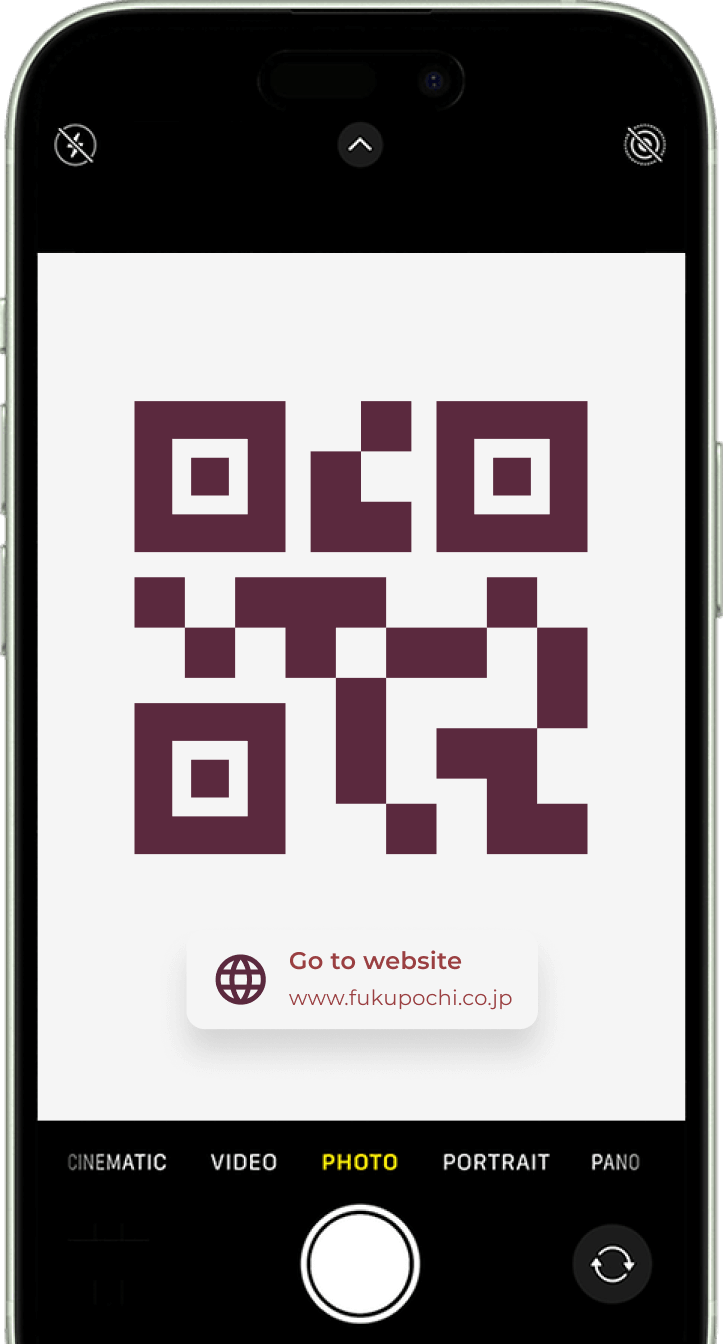
To scan our QR code, open the camera app on your smartphone;
most smartphones have a built-in QR code scanner right within
the camera app.
Step 2Scan & focus
Direct your phone's camera towards the QR code, ensuring the
entire code is visible within the camera frame. Avoid shadows or
glare obstructing the code for optimal scanning. If auto-focus
isn't activated, gently tap the screen on the specific area of
the QR code to focus.
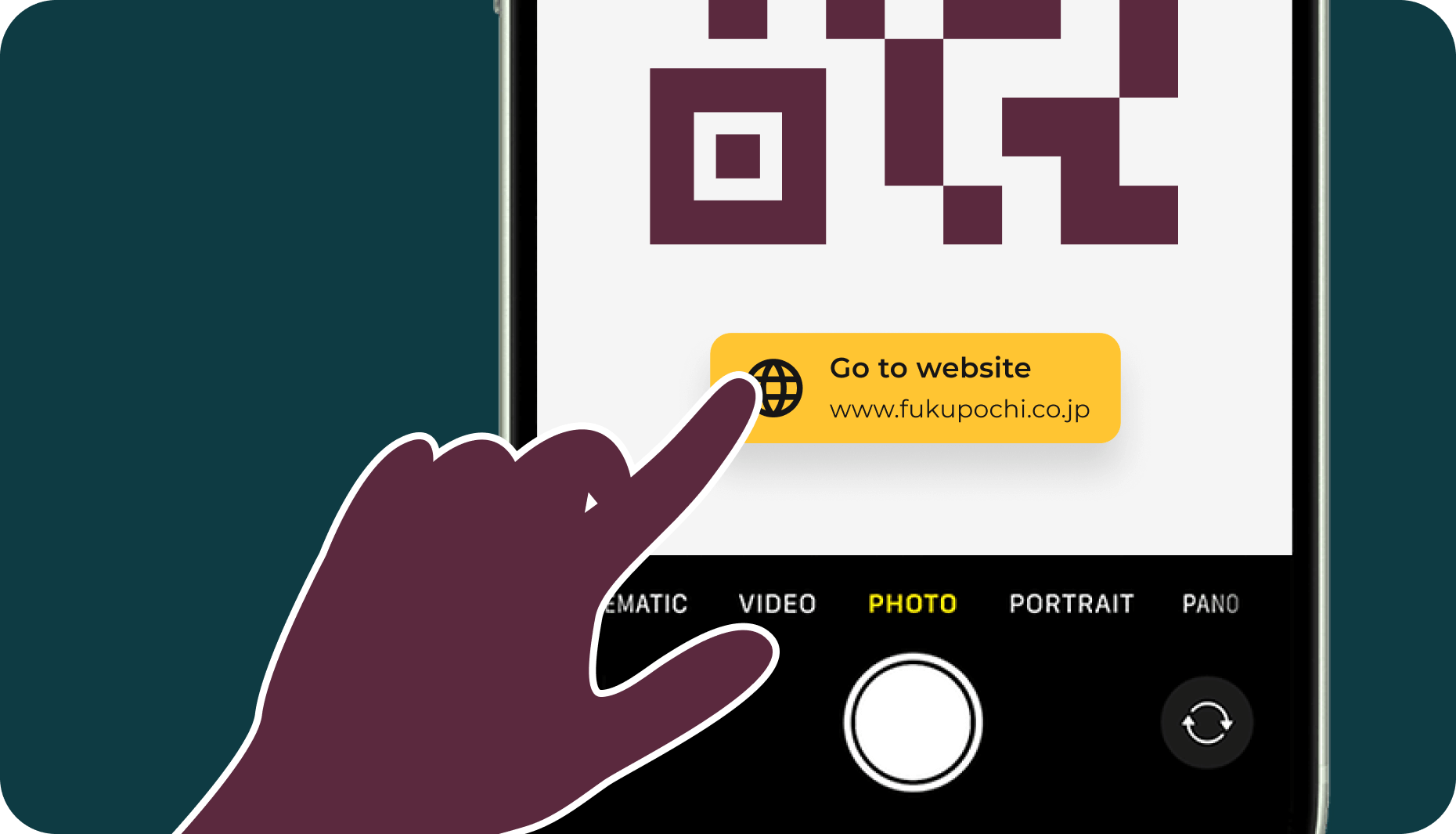
Step 3Tap on the notification
Hold your phone steady and allow the camera app a moment to
recognize and scan the code. Once complete, a notification will
appear on your screen. Tap this notification to proceed.
Pro tip
If your camera app doesn't automatically detect QR codes, you
can download a dedicated QR code scanning app from your
device's app store.
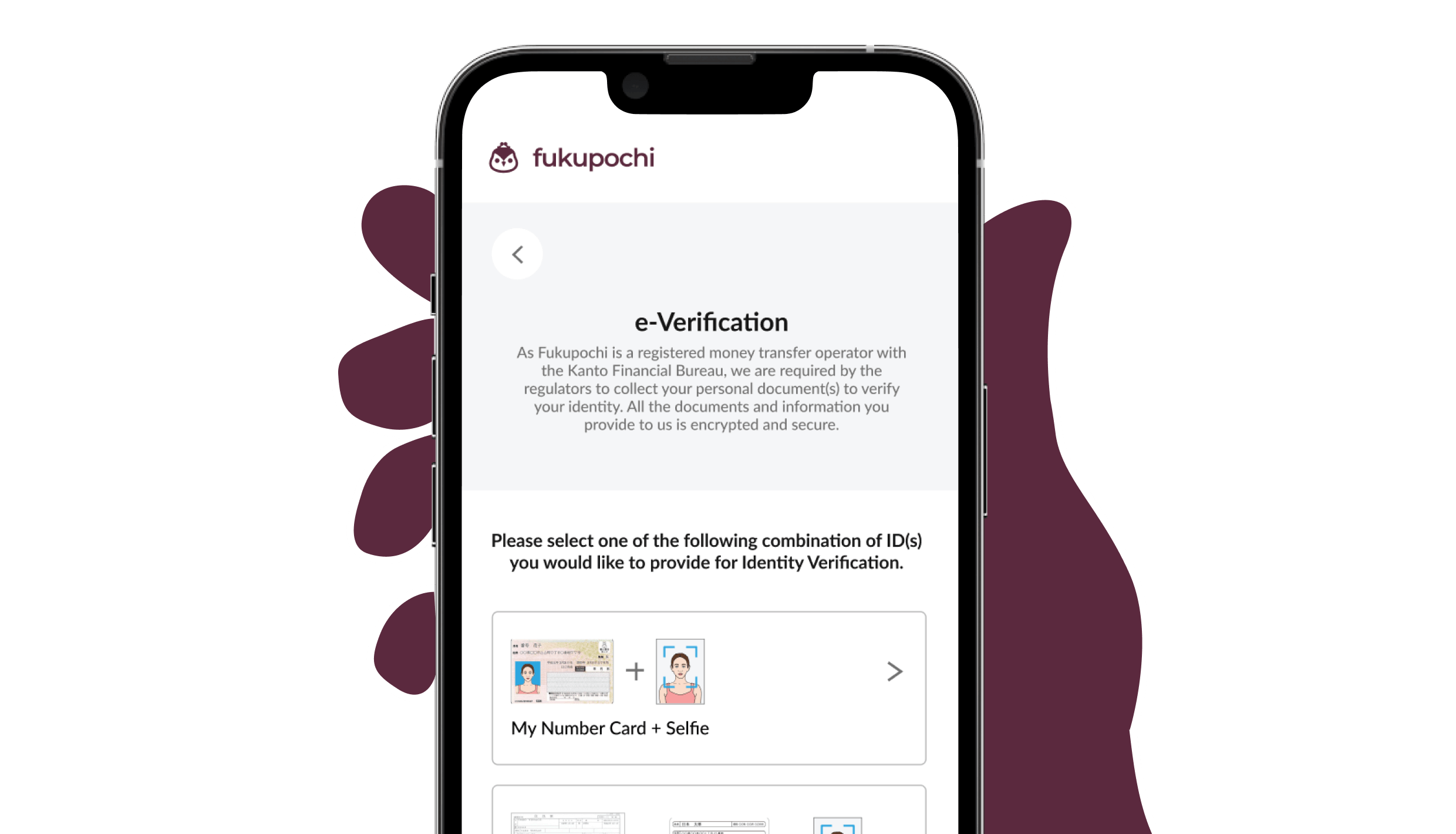
Step 4Complete e-verification
The notification will automatically redirect you to the
e-verification link within your mobile browser. Simply follow
the on-screen instructions to finalize the verification process.
Scan complete, great rates await!
Choose Fukupochi for your global money transfer needs.
Send money now!